To clean a car touchscreen or piano black trim, start with the instructions for that exact part. A bottle that says “interior cleaner” and a cloth that says “microfiber” don’t, on their own, tell you the combination belongs on it. For a known part in good condition, the ordinary care its instructions allow may be all you need. But a mark that won’t come off, a surface that starts to look different while you clean and a screen that stops responding are three different problems, each with its own next step.
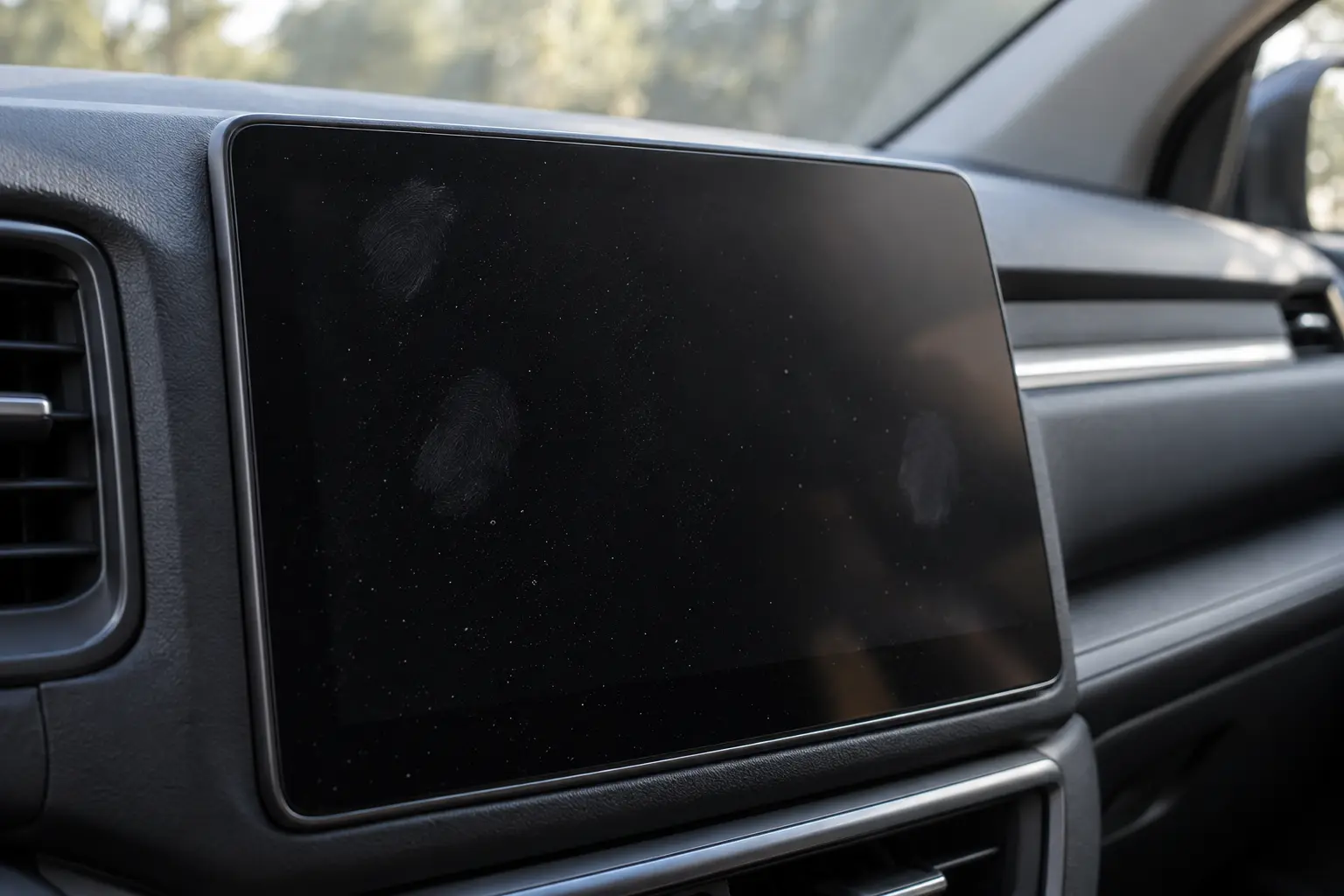
Treat the screen and its surroundings as separate parts
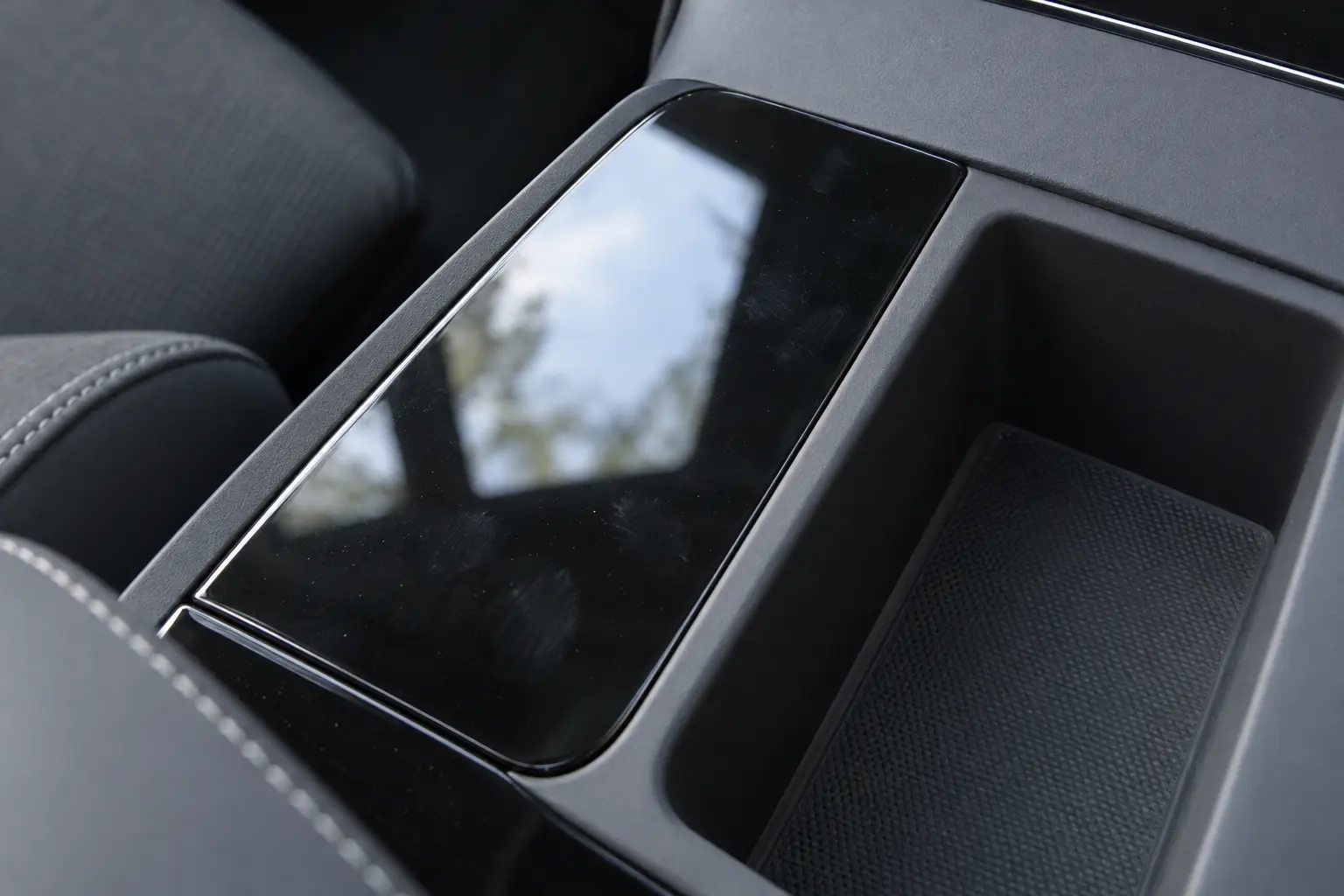
The center display, the clear lens over the gauges and the glossy panel around the gear selector can sit inches apart. Look up care for each one separately. “Piano black” describes a look; it doesn’t tell you the underlying material, coating or any film someone may have added.
Note your car’s year and model, the exact panel and any known replacement or protector. Then find that part’s own section in the manual rather than borrowing from the seat or window section. Peeling an edge, scratching a corner or trying a solvent isn’t a useful way to find out what something is.
Our guide to leather and synthetic seats covers the broader challenge of identifying materials. Here the question is narrower: which instructions apply to the display or glossy panel you’re about to touch?
Two manuals that show why the details matter
Tesla, current online US Model 3 manual: The touchscreen section calls for a soft, lint-free cloth made for displays. It rules out cleaners, alcohol gels, wet wipes and dry cloths carrying a static charge, giving recently washed microfiber as an example. That’s about the cloth’s condition, not a ban on all microfiber (Tesla touchscreen-cleaning instructions).
For the front screen, the same manual lists Controls → Display → Screen Clean Mode. It darkens the display and blocks accidental inputs while you wipe; to exit, press and hold HOLD TO EXIT. It doesn’t mean the display is powered off.
MY24 Corvette, Australia/New Zealand manual (October 2023, Print 1): Its high-gloss and display section starts by removing dirt that could scratch, using a soft-bristle brush, then moves to gentle microfiber cleaning. Window cleaners and solvents are ruled out. Separately, it says to hand-wash the cloth on its own with mild soap, skip bleach and fabric softener, rinse thoroughly and air-dry it before reuse. See printed pages 103 and 265 of the GM owner manual.
Match care to the exact part
- Display face
Find instructions for that specific display.
- Instrument lens
Use lens guidance, not instructions for a neighboring screen.
- Glossy trim
Match the exact panel; appearance does not identify material.
- Known overlay
Check its documented care alongside vehicle guidance.
Get set up for the care your part allows
Confirm the cloth your instructions call for, any allowed way to remove loose dirt, how to apply and any drying directions. A household screen cleaner’s label can’t override your car’s restrictions. If a step is missing, or a documented protector’s directions conflict with the car’s guidance, ask the vehicle or part maker and whoever installed the protector which method applies before you improvise.
Check the cloth’s condition, not just what it’s called. Keep it protected between uses, and don’t carry on with one that’s been on the floor.
Use only the method that part allows. Don’t swap in an air hose, vacuum nozzle, brush or damp wipe just because it worked elsewhere in the cabin. And if the allowed care handles the everyday grime, you don’t automatically need a deeper service.
When fingerprints stay or lines show up
Two hypothetical situations: in the first, the allowed dust-removal step clears loose particles but leaves a fingerprint. That doesn’t mean more pressure or a stronger cleaner is next. Check whether the part’s guidance gives a compatible method for what’s left; if it doesn’t, ask.
In the second, a panel looks hazier after a product was used, or lines remain after the allowed cleaning. Stop trying again and again. Note the product, where it touched the panel and what changed.
Don’t turn ordinary cleaning into abrasive polishing, sanding or a machine-correction experiment. A proper assessment of the part or finish might recommend leaving some marks as they are.
If sunscreen or lotion is what touched it, our guide to sunscreen and oily residue covers that.
Screen protectors, and screens that misbehave
If you know there’s an aftermarket protector, find its maker, installation record and care directions, and use them alongside the car’s guidance. Don’t add a film to hide a mark you can’t explain, and don’t peel an unknown layer as a test. Car makers can be specific here: the current US Model 3 manual cautions against applying a screen protector (Tesla touchscreen guidance).
A screen that’s unresponsive, responds erratically or otherwise acts up needs the vehicle manufacturer’s support or service guidance. More wiping won’t troubleshoot it.
Separate appearance from display function
Ordinary soil on a known, intact component
Follow matching permitted routine care.
Uncertain or unresolved surface concern
Pause and ask the maker, documented installer or relevant finish specialist.
Abnormal display operation
Follow manufacturer support or vehicle-service guidance.
Dealing with Las Vegas dust
Blowing dust happens in the Las Vegas area, according to the National Weather Service climate summary. So what’s actually on your screen matters more than a fixed cleaning calendar.
Say your parked car has both loose dust and fingerprints on the screen, and your suitable cloth is still in its protective pouch. Check the screen’s allowed loose-dirt step before you use that cloth. If your instructions don’t give one, get guidance rather than borrowing the Corvette example above.
Talking to ZNT about what fits
ZNT’s Mobile Detailing Service includes interior surface cleaning. Ask which surfaces and windows are included, how the work would fit your parts’ instructions and which areas to leave out. General interior cleaning doesn’t settle how a display will be handled. Our guide to what an interior detail includes helps with the bigger package decision.
Share your year and model, the exact surface, any known protector, products you’ve already used, photos and your location. Mention any functional problems as well as appearance concerns; ZNT’s terms ask for relevant condition information. Ask what might still be visible after compatible cleaning. Don’t assume a general surface-cleaning service includes screen repair or interior scratch restoration.
For interior care that fits your car’s instructions, tell ZNT about your vehicle and request a recommendation and current quote. For a screen that’s misbehaving, take the vehicle-support route above.